- Open Sundial. For a local development build, use
http://localhost:5173/. - Maximize the browser window. Detailed forms and diagrams need a large desktop workspace.
- Click Example. Resolve any pending draft or replacement confirmation first. This loads the supplied Apollo project and team, plus an active example sprint and a planned next sprint. In an empty active reporting snapshot store, it also creates the demonstration July and August checkpoints.
- Wait for Ready. Open Project to explore the hierarchy; click a work-item name to inspect its fields.
- Open Team and choose a developer to review hours, skills, access, and calendars. Cancel any experimental draft you do not want to apply.
- Open Kanban to see status columns, or Sprints to see the example sprint and developer capacity.
- Open Diagrams. Charts use the full workspace. Close any work-item editor before reviewing the whole drawing. Review Delivery outlook, then WBS, GANTT, Sunburst, and Work tracker.
- Choose a saved baseline in WBS over time or GANTT over time, leaving with at Now for a live comparison.
- In Sunburst over time, select the July and August snapshots to compare them with Current. Review Scope and both Timeline and Scope presentations in Milestones, then try Team what-if. Use Reset to restore a staffing scenario after experimenting.
The example includes a work hierarchy, estimates, dependencies, team calendars, sprint membership, and comparison history. Live forecasts start from today unless the project has a later configured start. Example deadlines, the Public beta milestone, and sprint dates move with the date the example loads; historical checkpoints keep their saved dates. Your results can differ from the screenshots. An untouched demo is regenerated fresh on a later visit; use New or Open for your own project.
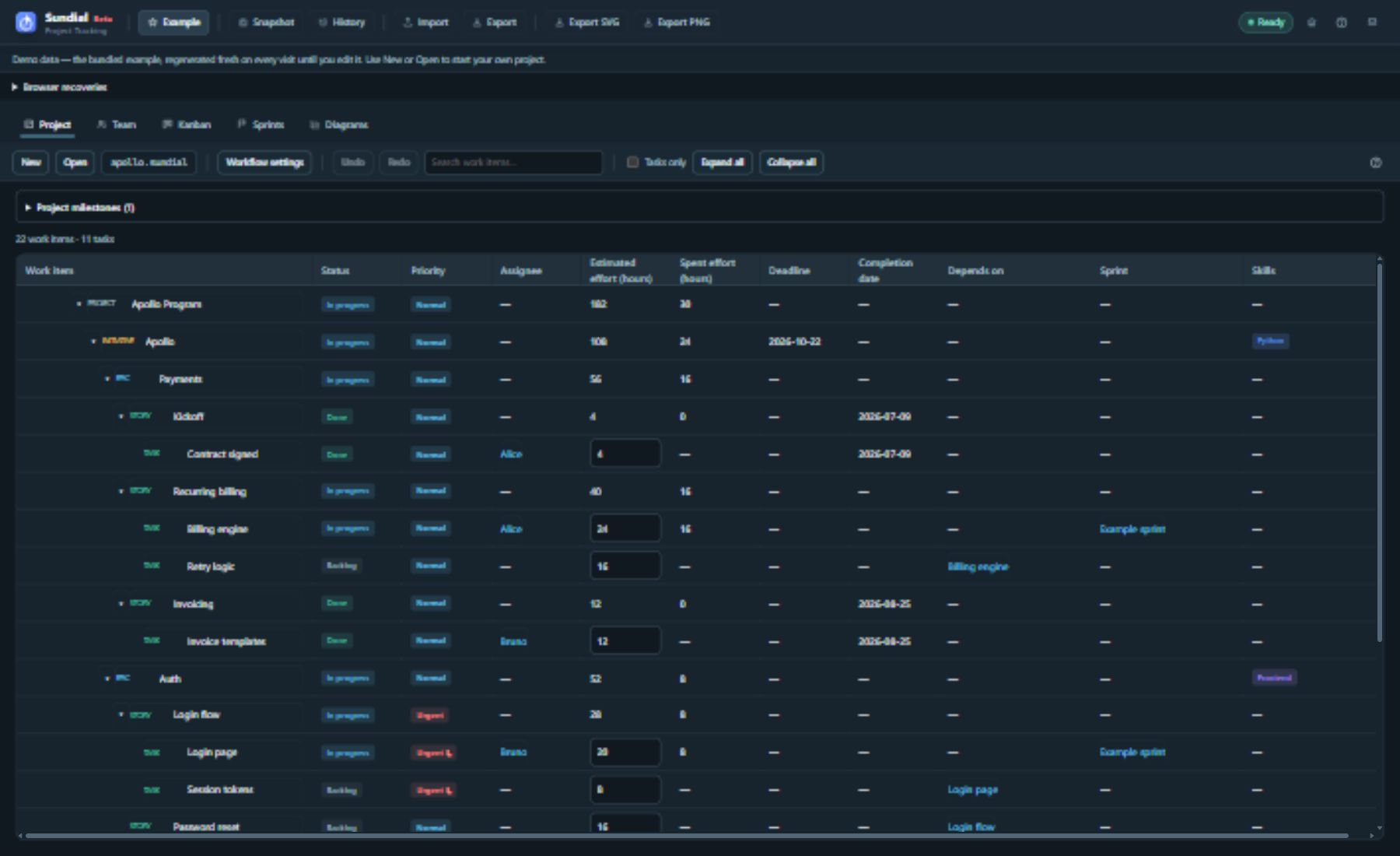
Figure 1. Project and Team are views of the same native project. The toolbar shows New, Open, Workflow settings, the project folder name, and Undo/Redo; the table includes inherited priority and navigation links.